Choosing the right financial hub for your business is a foundational step, and the search for the best accounting software for a small business in Australia can feel overwhelming. The ideal platform does more than just prepare you for tax time; it becomes the central nervous system for your finances. It streamlines invoicing, automates expense tracking, simplifies payroll compliance with Single Touch Payroll (STP), and makes lodging your Business Activity Statement (BAS) straightforward.
This comprehensive guide is designed to cut through the marketing jargon and provide a clear, practical comparison of the top options available to Australian businesses. We will explore industry leaders like Xero, MYOB, and QuickBooks, alongside specialised platforms designed for sole traders and freelancers, such as Rounded and Saasu. We will even look at comparison directories like Capterra and Canstar Blue to help you broaden your research.
Inside, you will find a detailed breakdown of each software solution. We analyse them based on crucial factors for Australian small businesses: GST and BAS management, payroll capabilities, pricing structures, and scalability for growing operations. Each entry includes direct links and key screenshots to give you a clear view of the user experience. Our goal is to equip you with the insights needed to select a tool that not only meets your immediate compliance needs but also supports your long-term financial health and business ambitions. Let's find the perfect fit for your venture.
1. Xero (Australia)
Xero stands as a dominant force in the Australian market, making it one of the best accounting software options for small business owners, from sole traders to expanding SMEs. Its cloud-based platform is engineered from the ground up to handle Australian-specific compliance, including Goods and Services Tax (GST) and Single Touch Payroll (STP). The intuitive interface simplifies daily bookkeeping tasks like invoicing, expense tracking, and bank reconciliation, making it highly accessible even for those without a deep accounting background.
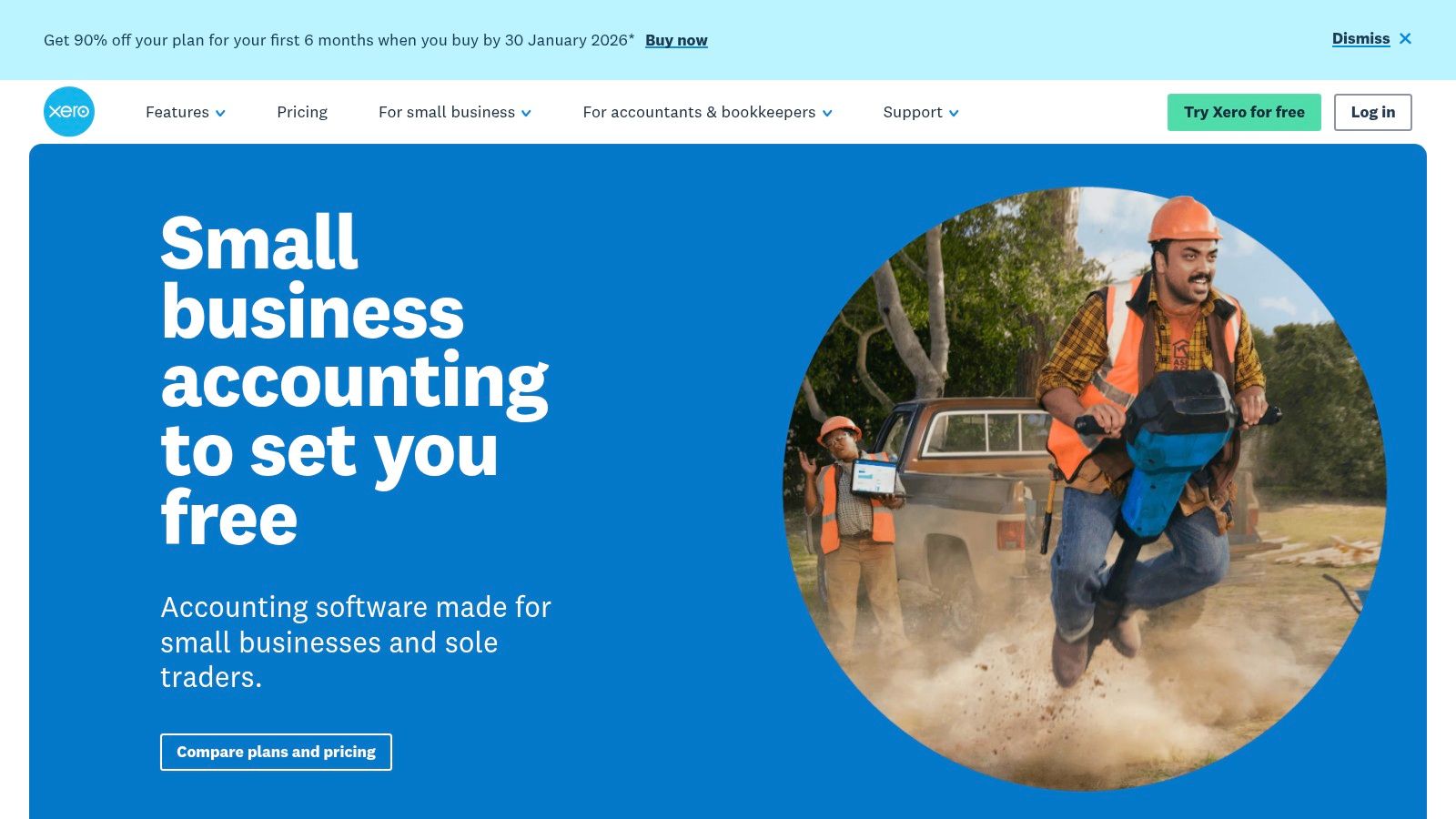
The platform’s widespread adoption by Australian accountants and bookkeepers is a significant advantage, streamlining collaboration and ensuring your financial advisor can easily access your data. Its powerful Business Activity Statement (BAS) reporting features simplify one of the most crucial compliance tasks for any Australian business. For a step-by-step guide on this process, you can explore detailed information about how to lodge your BAS online.
Suitability and Pricing
- Best For: Startups, sole traders, and growing SMEs needing a scalable, all-in-one solution with robust Australian compliance features.
- Pricing: Plans start from around $32/month for the 'Starter' plan, rising to $85/month for the 'Ultimate' plan which includes comprehensive features like payroll for up to 10 employees, multi-currency support, and advanced analytics. Frequent introductory discounts are often available for new subscribers.
Pros and Cons
Pros:
- Deep AU Compliance: Seamlessly manages GST, BAS reporting, and STP-compliant payroll.
- Vast Ecosystem: Features an extensive app marketplace and strong direct bank feeds with Australian financial institutions.
- Widespread Use: Simplifies collaboration with accountants who are almost universally familiar with the platform.
Cons:
- Rising Costs: Subscription prices have increased, and higher-tier plans can be a significant expense for smaller businesses.
- Potentially Overwhelming: The extensive feature set might be more than what a micro-business or freelancer truly needs.
2. MYOB Business
As an Australian-founded company, MYOB has a long-standing reputation in the local market, making it another one of the best accounting software choices for small business Australia. Its modern cloud platform, MYOB Business, is designed to cater to a range of business complexities, from sole traders to established SMBs needing more advanced features. The software provides robust, built-in support for Australian compliance essentials, including GST, BAS lodging, and STP-compliant payroll.
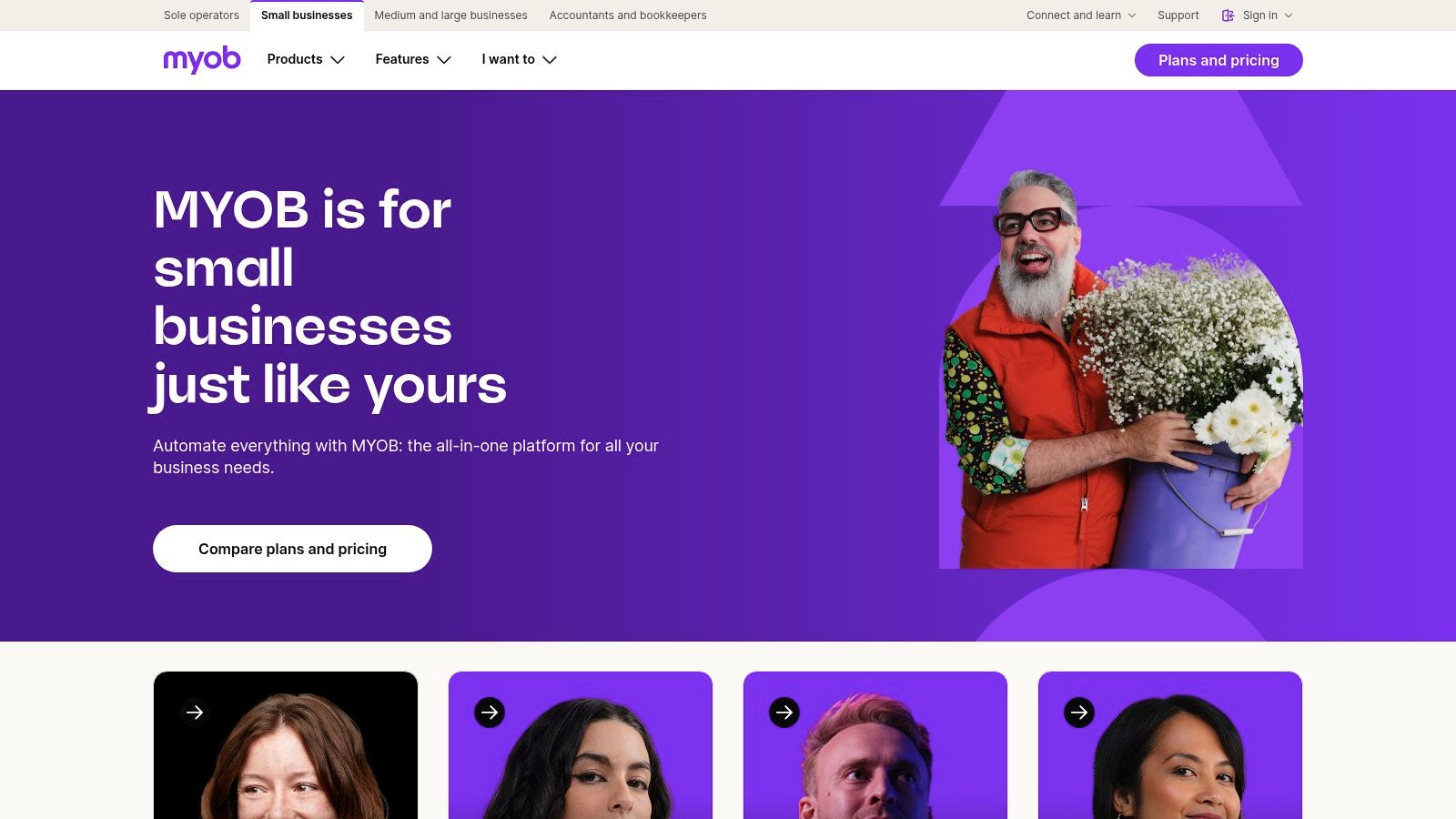
MYOB particularly excels for businesses that manage physical products or complex projects, offering strong inventory management and job costing features in its higher-tier plans. This focus makes it a powerful tool for trades, retail, and e-commerce businesses. Transitioning to a system like MYOB is a key part of modernising your finances, a concept explored further in this complete guide to cloud bookkeeping for small business.
Suitability and Pricing
- Best For: Product-based businesses (retail, e-commerce), trades, and established SMEs needing strong inventory, job tracking, and payroll capabilities.
- Pricing: Plans begin with 'Lite' at around $34/month, moving up to 'Pro' at $60/month. The more comprehensive 'AccountRight' plans, which include features like unlimited payroll, range from approximately $150/month. MYOB frequently offers significant introductory discounts for the first several months.
Pros and Cons
Pros:
- Strong Inventory & Job Costing: Superior features for businesses that need to track stock levels and project profitability.
- Longstanding AU Focus: A deeply embedded Australian brand with features tailored specifically for local compliance and business needs.
- Generous Introductory Offers: Often provides long-term discounts for new customers, making it initially very cost-effective.
Cons:
- Steeper Learning Curve: The interface can feel more traditional and less intuitive than some newer, cloud-native competitors.
- Higher Standard Pricing: After promotional periods end, the standard monthly cost, especially for higher-tier plans, can be a significant investment.
3. QuickBooks Online (Australia)
A global giant in the accounting software space, QuickBooks Online offers a highly competitive and user-friendly platform tailored for the Australian market. Its interface is often praised for being intuitive, making it an excellent choice for small business owners who are new to cloud accounting or managing their own finances. The software provides a solid foundation covering all the essentials, from GST tracking and invoicing to expense management and bank feeds, all accessible via a clean desktop or mobile app interface.
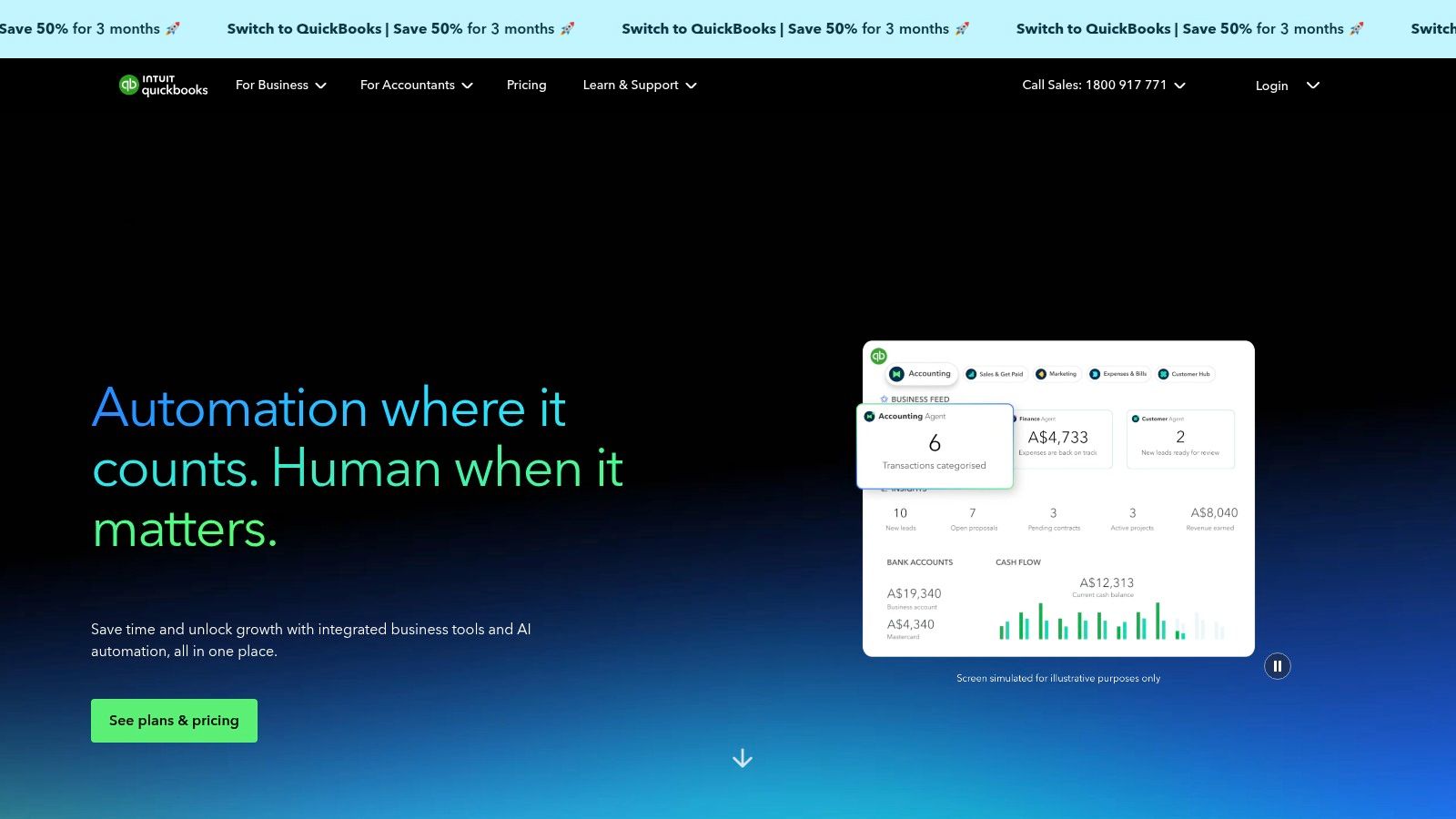
QuickBooks stands out by offering free onboarding support for customers switching from other products, significantly lowering the friction of migration. This hands-on assistance, combined with dedicated Australian support hours and help documentation, ensures a smooth transition. To get the most out of the platform, it's crucial to apply sound financial habits, which you can learn more about with these top small business bookkeeping tips to simplify your finances. The platform handles BAS and is STP-compliant, making it another one of the best accounting software options for Australian small business compliance.
Suitability and Pricing
- Best For: Sole traders, freelancers, and service-based businesses looking for a straightforward, cost-effective solution with strong core features and excellent usability.
- Pricing: Plans begin with 'Simple Start' at around $30/month, moving to 'Essentials' at $45/month, and 'Plus' at $60/month, which includes inventory management. Payroll is available as an add-on and is billed per employee, per month.
Pros and Cons
Pros:
- Strong Usability: Its clean interface is very easy to navigate, making it ideal for first-time cloud accounting users.
- Competitive Pricing: The entry-level plans offer great value for the features provided.
- Helpful Onboarding: Free migration support makes it easy for businesses to switch from other platforms.
Cons:
- Add-On Payroll Costs: Unlike some competitors, payroll is not bundled into higher-tier plans and adds an extra per-employee cost.
- Potential Price Increases: The platform has a history of periodic price adjustments, which can affect long-term budgeting.
4. Reckon (Australia)
Reckon is a well-established Australian player offering accounting software specifically built for local small businesses. With a strong focus on Australian data hosting and compliance, it provides a secure and reliable platform for managing everything from GST and BAS to payroll. Its key differentiator is offering unlimited users across its main business plans, making it a cost-effective choice for businesses with multiple team members needing access to financial data.
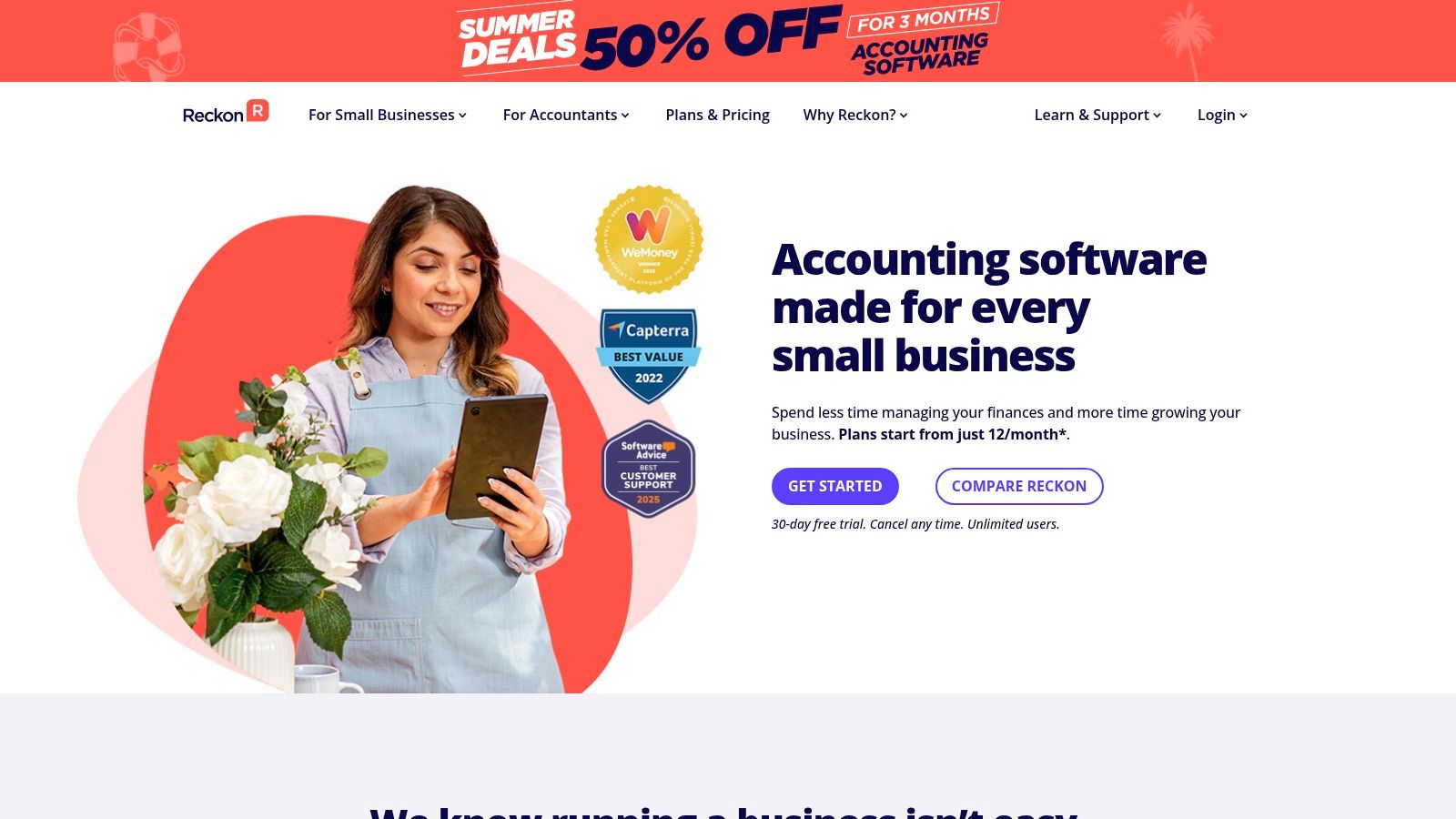
The software includes essential features like invoicing, expense tracking, and bank connections, supported by mobile apps for on-the-go management. Reckon's commitment to local support, including phone assistance and free onboarding on certain plans, is a significant advantage for business owners who value direct, accessible help. This makes it a strong contender in the search for the best accounting software for small business Australia.
Suitability and Pricing
- Best For: Budget-conscious small businesses, service-based contractors, and companies that require multiple user accounts without incurring extra costs.
- Pricing: Plans are modular, with 'Accounting Essentials' starting from $15/month for basic bookkeeping and 'Accounting Plus' at $35/month adding payroll for one employee. Payroll-only plans are also available, and all plans come with a 30-day free trial.
Pros and Cons
Pros:
- Budget-Friendly & Unlimited Users: Highly competitive pricing, especially as the inclusion of unlimited users on core plans provides excellent value.
- Local Support and Data Hosting: Offers Australian-based phone support and ensures all data is hosted locally, which is a key factor for many businesses.
- Strong Core Features: Effectively handles all essential Australian compliance needs, including GST, BAS lodgement, and STP-ready payroll.
Cons:
- Limited App Ecosystem: The number of third-party integrations is smaller compared to global giants like Xero or QuickBooks.
- Confusing Plan Structure: The variety of modular plans (accounting vs. payroll) can sometimes be difficult for new users to navigate and compare.
5. Zoho Books (Australia)
Zoho Books carves out a unique space in the Australian market by offering a powerful, full-featured accounting platform that is exceptionally budget-friendly, particularly for new and micro-businesses. Its standout feature is a completely free plan for businesses with annual revenue under AUD $50,000, making it an incredible entry point into professional bookkeeping. The platform provides robust support for Australian compliance, including GST tracking, BAS report generation, and automated bank feeds with local institutions.
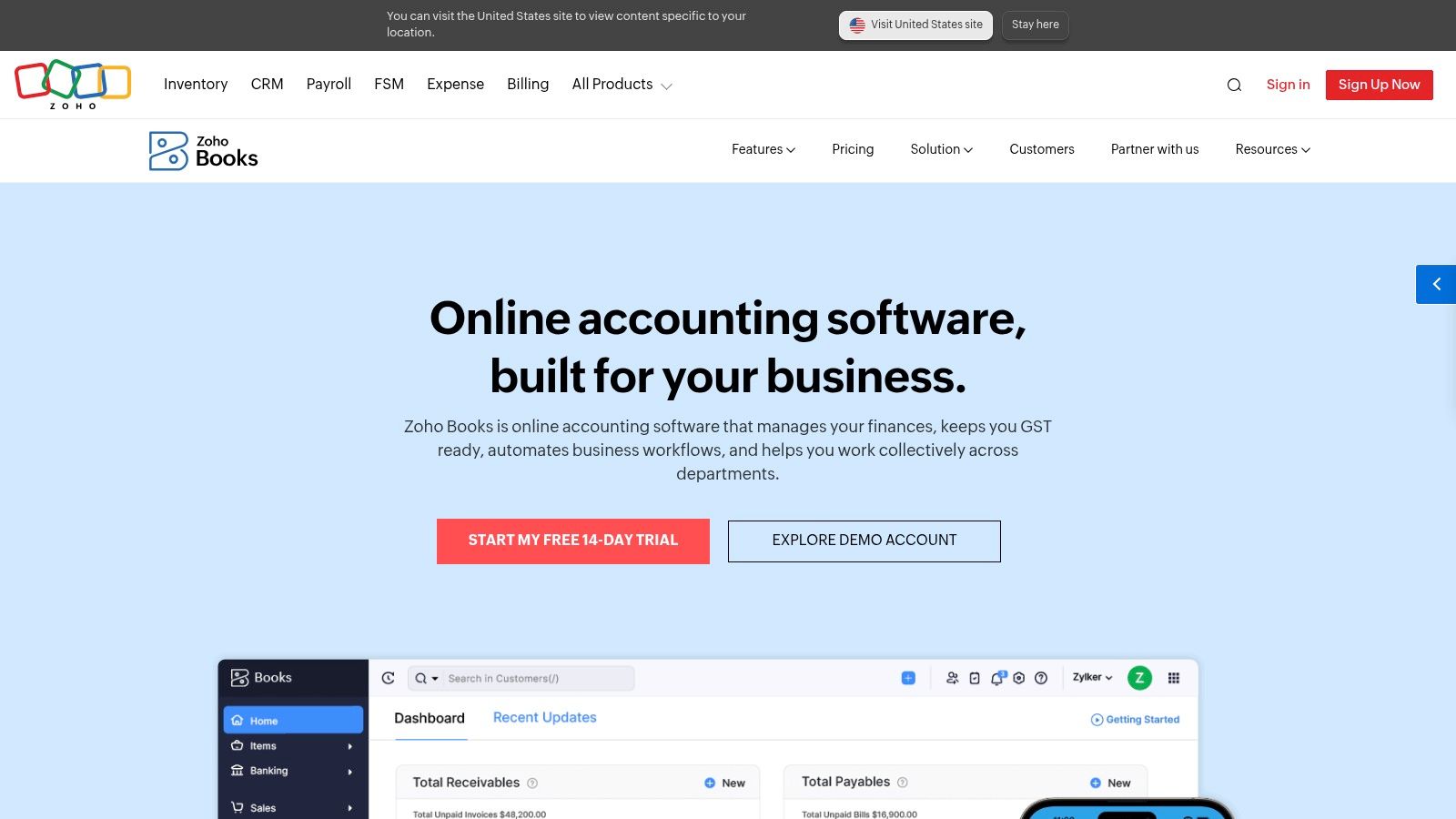
The software truly shines for those who invest in the wider Zoho ecosystem. It integrates seamlessly with Zoho CRM, Inventory, and Analytics, creating a unified business management suite. This integration allows for a single source of truth across sales, operations, and finance, a feature typically found in much more expensive enterprise-level systems. This makes Zoho Books one of the best accounting software choices for small business owners in Australia looking for a scalable, all-in-one solution.
Suitability and Pricing
- Best For: Micro-businesses, sole traders, and startups under the revenue threshold who need a free yet comprehensive solution, as well as SMEs planning to use other Zoho business applications.
- Pricing: A generous free plan is available for businesses earning less than $50k AUD per year. Paid plans start from approximately $20/month, scaling up to around $40/month for the 'Ultimate' plan, which offers advanced inventory control and analytics.
Pros and Cons
Pros:
- Excellent Value: The free-forever plan for micro-businesses is unparalleled in the market.
- Broad Feature Set: Paid plans deliver comprehensive features like project management and inventory at highly competitive price points.
- Ecosystem Integration: Offers deep integration with a wide suite of Zoho business apps, from CRM to HR.
Cons:
- Ecosystem Reliance: Maximum value is unlocked when committing to the broader Zoho ecosystem, which may not suit every business.
- Less Accountant Familiarity: Fewer Australian accountants are Zoho specialists compared to Xero or MYOB, which could add a small hurdle to collaboration.
6. Rounded (Australia)
Rounded carves out a specific niche in the Australian market, positioning itself as the ideal accounting software for freelancers and sole traders. Unlike more complex platforms aimed at larger SMEs, its design philosophy centres on simplicity and efficiency for solo business operators. The platform streamlines the entire workflow from quoting and invoicing to time tracking and expense management, removing unnecessary complexity so freelancers can focus on their work, not their bookkeeping.
Its user interface is exceptionally clean and intuitive, making it easy to manage finances without a steep learning curve. The software is built from the ground up for Australian sole traders, with features specifically designed to handle GST and simplify BAS reporting in its higher-tier plan. For those who bill by the hour, the integrated time tracker is a standout feature, seamlessly converting billable hours into professional invoices.
Suitability and Pricing
- Best For: Freelancers, contractors, and sole traders who need a simple, affordable tool for invoicing, expense tracking, and basic financial management.
- Pricing: Rounded offers a 'Starter' plan from $21.95/month and a 'Pro' plan from $32.95/month, which includes crucial features like BAS reports, GST tracking, and integrations with services like Stripe for online payments.
Pros and Cons
Pros:
- Freelancer-Focused UI: The entire user experience is tailored to the simple needs of a one-person business, avoiding overwhelming features.
- Affordable and Simple: Provides core accounting tools at a very competitive price point for solo operators.
- AU Sole Trader Compliance: The 'Pro' plan offers specific tools to manage GST and prepare for BAS lodgements.
Cons:
- Not for Teams: Lacks payroll and features necessary for businesses with employees or complex structures.
- Limited Advanced Features: Does not include inventory management, advanced project costing, or multi-currency support found in more comprehensive platforms.
7. Saasu
Saasu is a home-grown Australian accounting platform that offers a unique, transparent approach to its software. Rather than limiting features behind more expensive tiers, Saasu provides access to its full suite of tools on every plan, including invoicing, inventory management, multi-currency support, and STP-compliant payroll. The plans are instead scaled based on transaction limits, making it a predictable and often cost-effective choice for businesses that need advanced features without high transaction volumes.
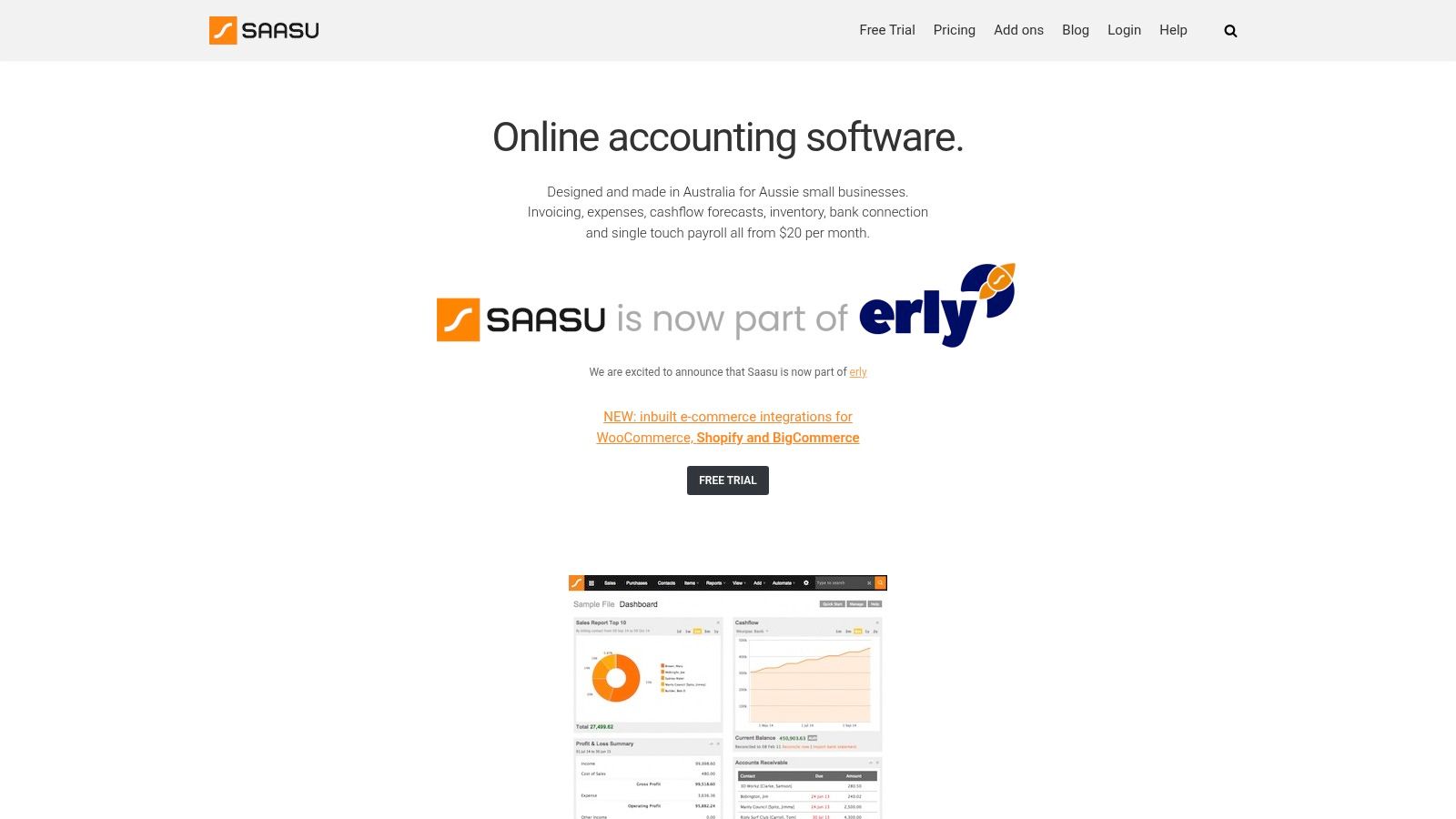
This structure makes it one of the best accounting software options for Australian small businesses that need comprehensive functionality from day one. Its commitment to local needs is clear, with Australian data centres providing an extra layer of security and SuperStream compliance built directly into its payroll system. The inclusion of inventory management in all plans is a significant advantage for small retail or e-commerce businesses that want to avoid paying for separate add-ons.
Suitability and Pricing
- Best For: Small businesses and sole traders who need a full feature set, including inventory and multi-currency, at a predictable, transaction-based price.
- Pricing: Plans range from around $20/month for the 'Small' plan (up to 1,200 transactions per year) to $60/month for the 'Large' plan (up to 25,000 transactions per year), with a 30-day free trial available.
Pros and Cons
Pros:
- All Features Included: Every plan includes the full functionality, removing the need to upgrade for key tools like payroll or inventory.
- Strong AU Focus: Offers STP/SuperStream compliance and Australian-hosted data centres.
- Built-in Inventory: A great value proposition for businesses managing stock without needing complex third-party apps.
Cons:
- Smaller Ecosystem: The app marketplace is not as extensive as those of competitors like Xero or MYOB.
- Lower Brand Recognition: Fewer accountants may be familiar with the platform compared to the industry giants.
8. FreshBooks (Australia site)
FreshBooks carves out a niche in the Australian market by focusing intently on service-based businesses, freelancers, and contractors. Its strength lies in its simplicity and user-friendly design, making it one of the best accounting software choices for small business owners who prioritise invoicing, time tracking, and project management over complex inventory or payroll functions. The platform is engineered to be incredibly intuitive, ensuring that even those with minimal accounting experience can create professional invoices, track billable hours, and manage expenses with ease.
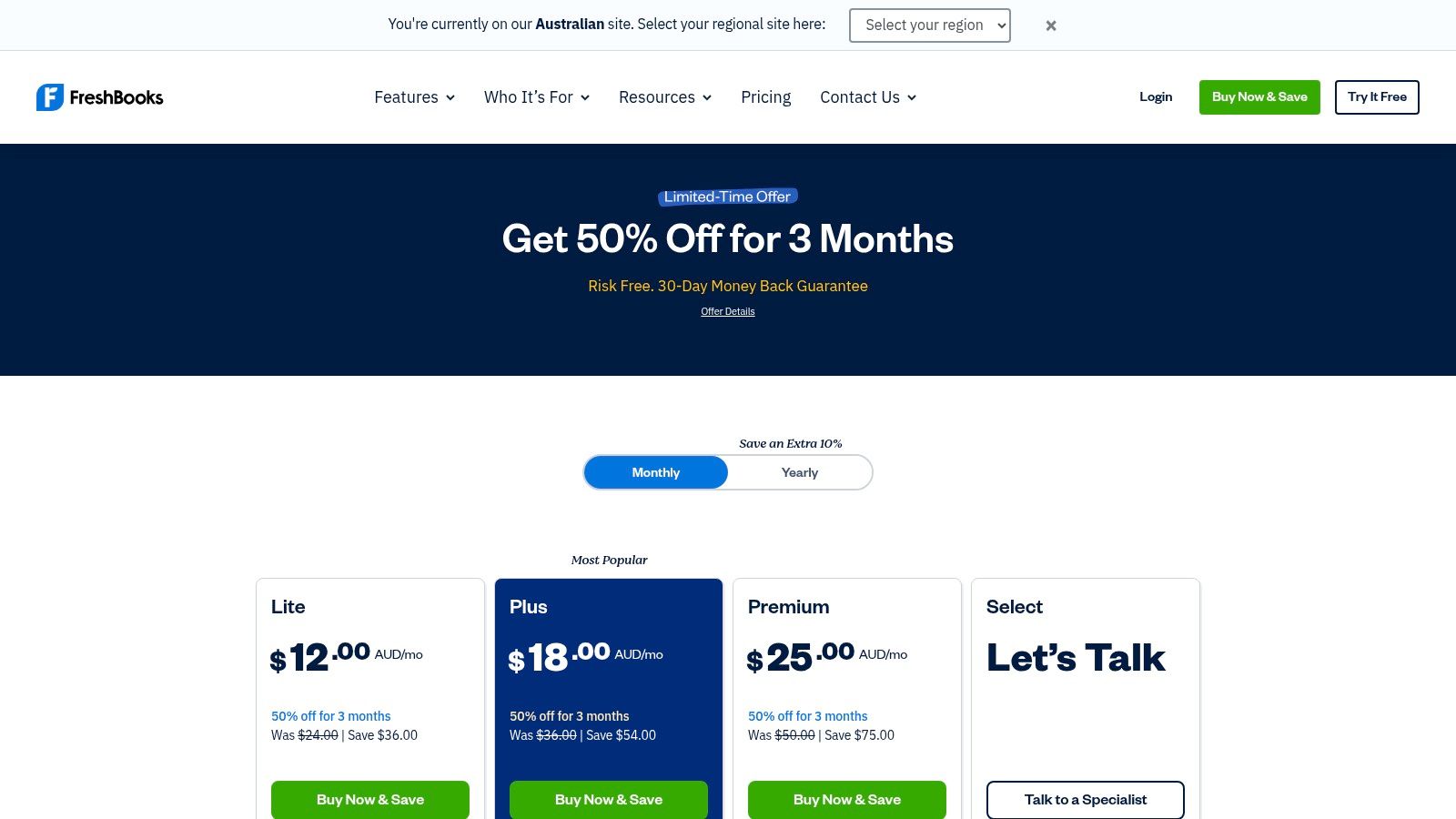
While its core accounting features are more streamlined than some competitors, its project profitability tools are a significant advantage for agencies, consultants, and tradespeople. The platform simplifies the entire client workflow from proposal and estimate to final payment, helping businesses maintain a clear view of their financial health on a per-project basis. GST can be added to invoices, making it suitable for basic Australian compliance needs.
Suitability and Pricing
- Best For: Freelancers, consultants, and service-based small businesses who need excellent invoicing and time-tracking capabilities.
- Pricing: Plans start from around $30/month for the 'Lite' plan (with a limit on billable clients), rising to the 'Premium' plan for growing teams. FreshBooks is known for offering significant introductory discounts for new Australian customers, often for the first several months.
Pros and Cons
Pros:
- Very Low Learning Curve: Exceptionally easy to use for non-accountants, with a clean and intuitive interface.
- Ideal for Service Businesses: Strong features for invoicing, proposals, time tracking, and project management.
- Frequent Promotional Discounts: New customers can often secure a low introductory price, making it highly affordable to start.
Cons:
- Limited Advanced Features: Lacks comprehensive inventory management and deep Australian payroll integration, requiring other tools for those functions.
- Lower Tiers Have Limits: The entry-level plans impose restrictions on the number of billable clients, which may be a barrier as a business grows.
9. Capterra Australia – Accounting Software Directory
While not accounting software itself, Capterra Australia is an indispensable research tool for any business owner on the hunt for the right platform. It's a comprehensive directory that aggregates hundreds of accounting software products, allowing you to filter, compare, and read genuine user reviews all in one place. For those overwhelmed by choice, it serves as a crucial starting point to build a shortlist of potential solutions that match your specific business needs and budget.
Capterra's platform excels at providing a bird's-eye view of the market, presenting key information like pricing snapshots, feature sets, and user satisfaction ratings side-by-side. This comparative approach saves significant time and effort, helping you move from initial research to informed decision-making more efficiently. It empowers you to discover niche or industry-specific tools that might not appear in mainstream recommendations, making it a powerful resource for finding the best accounting software for your small business in Australia.
Suitability and Pricing
- Best For: Business owners in the initial research phase who want to compare a wide range of software options, read user reviews, and create a vendor shortlist.
- Pricing: Free to use for research. Capterra is a directory and review site; pricing for individual software is listed on their respective pages.
Pros and Cons
Pros:
- Neutral Starting Point: Offers a broad, unbiased overview of the market before you commit to vendor demos.
- Large Aggregation: Features a vast collection of products, from major players to specialised solutions, with direct links to vendor sites.
- User-Driven Reviews: Provides valuable insights from real-world users, helping you gauge software usability and customer support quality.
Cons:
- Sponsored Listings: The presence of ads and sponsored placements can influence visibility, so it's wise to filter results carefully.
- Surface-Level Data: Listings provide a high-level summary but cannot replace a thorough feature validation through a free trial or demo.
10. GetApp Australia – Accounting Software Listings
Unlike a standalone software, GetApp serves as a comprehensive online resource, acting as a crucial research tool for Australian businesses. It functions as a directory, aggregating information on a vast range of accounting platforms. This allows small business owners to compare features, pricing, and user reviews side-by-side, helping to validate marketing claims and uncover genuine user feedback before committing to a subscription.
The platform is sister site to Capterra and offers a user-friendly interface with powerful filtering options. You can narrow down the best accounting software for your small business in Australia by company size, industry, or specific features like payroll or inventory management. It provides a valuable starting point or cross-referencing tool during your selection process, with direct links to vendor websites for free trials and official pricing.
Suitability and Pricing
- Best For: Business owners in the research phase who want to compare multiple software options based on detailed features and verified user reviews.
- Pricing: Free to use. The platform generates revenue through sponsored listings and referral links to software vendors.
Pros and Cons
Pros:
- Effective Comparison: Simplifies the process of cross-checking software features, pricing, and user satisfaction ratings.
- Verified Reviews: Offers genuine insights from other business owners, providing a layer of unbiased information.
- Direct Access: Provides easy navigation to official vendor pages for trials and purchases.
Cons:
- Sponsored Influence: The order of listings can be influenced by sponsored placements, so it's wise to use the filters to create your own impartial view.
- Aggregator, Not Vendor: As a directory, it does not provide direct customer support for the software it lists.
11. Canstar Blue – Accounting Software Ratings (Australia)
While not a software platform itself, Canstar Blue is an essential resource for Australian businesses navigating the crowded software market. It provides independent consumer satisfaction ratings based on annual surveys of Australian business owners. This allows you to see how popular platforms are rated by real users on criteria like value for money, ease of use, reporting features, and customer support, offering a valuable pulse on brand satisfaction.
Using Canstar Blue is a strategic first step before committing to free trials. The site presents its findings in clear, easy-to-scan winner lists and detailed guides, helping you quickly shortlist potential candidates. This data-driven approach offers a high-level view of which accounting software is genuinely delivering for small businesses in Australia, cutting through marketing noise to provide peer-validated insights. For more direct advice, you can always consult with a professional who can assess your specific business needs.
Suitability and Pricing
- Best For: Small business owners in the initial research phase who want to compare brands based on real Australian user satisfaction data before diving into individual product trials.
- Pricing: Free to access. The site earns revenue through referral links to the software providers it reviews.
Pros and Cons
Pros:
- Local Survey Data: Ratings are based on feedback from hundreds of Australian small businesses, providing relevant local insights.
- Quick Shortlisting: The annual awards and rankings make it easy to identify top-performing brands at a glance.
- Unbiased Starting Point: Offers an independent perspective that complements detailed feature-by-feature software reviews.
Cons:
- High-Level View: It's a brand comparison tool, not a deep-dive into specific features or plan tiers.
- Not a Trial Replacement: The ratings are a guide and don’t replace the need for hands-on testing to ensure the software fits your workflow.
12. Officeworks (Australia) – Software Retailer
While not a software developer, Officeworks serves as a crucial and familiar purchasing channel for many Australian businesses. Instead of subscribing directly, some owners prefer the traditional retail experience of buying software activation codes. The platform is a major reseller for brands like Reckon, allowing you to purchase accounting software alongside physical office supplies and even supplementary learning materials like "Xero for Dummies."
!(https of an invoice for all business purchases in one place, which can simplify expense claims and bookkeeping.
Suitability and Pricing
- Best For: Business owners who prefer a one-stop-shop retail experience, want to bundle software with physical goods, or need a simple retail invoice for their purchase.
- Pricing: Pricing is set by Officeworks and is generally competitive with vendor-direct prices, though special introductory offers may only be available directly from the software provider. You purchase activation codes for specific subscription periods (e.g., a 12-month licence).
Pros and Cons
Pros:
- Familiar Purchase Process: Offers a straightforward retail transaction, providing an immediate activation code upon purchase.
- Bundled Shopping: You can purchase software, training books, and physical office supplies in a single transaction.
- Retailer Invoice: Simplifies expense management by providing a standard retail tax invoice for all items purchased together.
Cons:
- Limited Selection: The range of accounting software and subscription tiers may be more limited than what's available directly from vendors.
- Potentially Higher Cost: Vendor-direct promotions or online-only discounts may not be available through a third-party retailer like Officeworks.
Top 12 Accounting Software Comparison — Australia
This section provides a scannable summary of the top accounting software solutions, focusing on key attributes for quick comparison.
Xero (Australia)
- Core Features: Invoicing, bank feeds, Hubdoc, payroll, and a large app marketplace.
- Target Audience: Small to mid-sized businesses and accountants.
- Standout Quality: Best for its comprehensive AU compliance features and extensive software ecosystem.
MYOB Business
- Core Features: GST/BAS management, payroll, inventory, job tracking, and bank feeds.
- Target Audience: SMBs requiring strong inventory control and complex payroll.
- Standout Quality: Best for its powerful, integrated inventory and payroll strength.
QuickBooks Online (AU)
- Core Features: Invoicing, bill management, bank feeds, mobile apps, and detailed reporting.
- Target Audience: Small businesses and first-time cloud software adopters.
- Standout Quality: Best for its simple user experience and helpful free onboarding support.
Reckon (Australia)
- Core Features: Invoicing, payroll, Australian data hosting, mobile apps, and over 35 reports.
- Target Audience: Small businesses seeking an affordable, locally-hosted solution.
- Standout Quality: Best for its budget-friendly pricing and commitment to Australian data residency.
Zoho Books (Australia)
- Core Features: BAS/GST, bank feeds, project management, inventory, and Zoho ecosystem integration.
- Target Audience: Micro to small businesses, especially existing Zoho application users.
- Standout Quality: Best for its generous free plan for businesses under $50k AUD revenue.
Rounded (Australia)
- Core Features: Quotes, invoicing, card payments, time tracking, and automatic GST calculation.
- Target Audience: Freelancers and sole traders.
- Standout Quality: Best for its streamlined simplicity, specifically designed for one-person businesses.
Saasu
- Core Features: Invoicing, inventory, budgeting, STP payroll, and multi-currency support on all plans.
- Target Audience: Small businesses that need a full feature set from the start.
- Standout Quality: Best for offering all features on every plan, with pricing based on transaction volume.
FreshBooks (AU)
- Core Features: Invoices, estimates, time tracking, project management, and payment integrations.
- Target Audience: Service-based businesses, contractors, and freelancers.
- Standout Quality: Best for its excellent time and billing workflows, making it ideal for client work.
Capterra Australia
- Core Features: Australian software directory, user reviews, and side-by-side comparisons.
- Target Audience: Business owners in the research phase of buying accounting software.
- Standout Quality: Best as a research tool for its large aggregation of Australian user reviews.
GetApp Australia
- Core Features: Product pages, pricing snapshots, screenshots, and verified user reviews.
- Target Audience: Buyers comparing specific software features and pricing plans.
- Standout Quality: Best as a research tool for its detailed product pages and direct vendor links.
Canstar Blue (Accounting)
- Core Features: Consumer satisfaction rankings and scores based on specific criteria.
- Target Audience: Consumers seeking brand satisfaction data to inform their choice.
- Standout Quality: Best as a research tool for its independent Australian satisfaction rankings.
Officeworks (Australia)
- Core Features: Sells software activation codes, training books, and retail bundles.
- Target Audience: Buyers who prefer a traditional retail invoice or want to bundle purchases.
- Standout Quality: Best for the convenience of retail purchasing and access to learning resources.
Beyond the Software: Partnering for Financial Clarity
We've explored a comprehensive landscape of the best accounting software for small business Australia offers, from industry giants like Xero and MYOB to specialised platforms like Rounded for sole traders. Each tool presents a unique combination of features, pricing, and usability designed to solve specific business challenges. The right choice for a Beaumaris-based tradesperson will differ vastly from that of a Melbourne-based tech startup or a growing e-commerce company.
Your journey began by identifying your core needs: Are you a sole trader primarily concerned with simple invoicing and GST compliance? Or a growing SME needing robust payroll, inventory management, and multi-currency support? The detailed breakdowns of Xero, QuickBooks, MYOB, and others in this guide provide the feature-level detail necessary to make an informed comparison. Remember, the "best" software is the one that aligns seamlessly with your operational reality.
Synthesising Your Options: The Final Decision Framework
Choosing your software is a foundational decision that impacts your daily efficiency and long-term strategic planning. Before committing, step back and synthesise the information through a structured lens. Don't let feature lists alone drive your choice; context is everything.
Here’s a practical framework to guide your final selection:
Business Stage and Complexity:
- Sole Traders & Freelancers: Prioritise simplicity and affordability. Tools like Rounded or the entry-level tiers of QuickBooks Online and Xero are designed for your specific needs, focusing on invoicing, expense tracking, and straightforward BAS preparation.
- Startups & Small Companies: Your needs are evolving. Look for scalability. Xero and MYOB Business offer tiered plans that grow with you, allowing you to add payroll, project management, and advanced reporting as required.
- Established SMEs: You need power and integration. Focus on platforms like Xero, QuickBooks Online Advanced, or MYOB AccountRight that offer comprehensive features and a rich ecosystem of third-party app integrations to streamline everything from HR to inventory.
Industry-Specific Requirements:
- E-commerce: Strong inventory management and integration with platforms like Shopify are non-negotiable. Xero and QuickBooks Online have robust app marketplaces to support this.
- Trades & Construction: Job costing, project profitability tracking, and mobile invoicing are critical. Evaluate how platforms handle these functions, either natively or through integrations.
- Professional Services: Time tracking and project-based billing are paramount. FreshBooks and Zoho Books often excel in this area.
The Human Element: Support and Advice:
- Consider your own comfort level with technology. Does the software provider offer excellent Australian-based customer support?
- More importantly, does your accountant or bookkeeper have expertise in the platform? Using a system your financial advisor knows intimately can save you countless hours and prevent costly errors.
Implementation: The Critical Next Step
Selecting your software is only half the battle. Successful implementation is what transforms a subscription into a powerful business asset. Ensure you allocate time for proper setup, including customising your chart of accounts, connecting your bank feeds securely, and migrating historical data if necessary. Most importantly, invest in training for yourself and your team. A powerful tool is useless if no one knows how to operate it effectively.
Ultimately, accounting software is a vehicle, not the driver. It organises your financial data into neat reports, but it cannot interpret that data for you. It can't devise a tax minimisation strategy, forecast your cash flow for the next quarter, or advise on the optimal business structure for your growth plans. That is where human expertise becomes indispensable. By pairing the right technology with professional guidance, you create a financial engine that not only keeps you compliant but actively powers your business toward its goals.
Ready to move beyond the software and unlock true financial clarity for your business? The team at Trew North Accounting specialises in helping Melbourne and Bayside business owners select, implement, and leverage the best accounting software for their unique needs. We bridge the gap between technology and strategy, ensuring you not only have clean data but also the expert advice to turn it into profitable decisions. Contact our Beaumaris office today to build a financial foundation for lasting success.